$0.99
Windows8 Pro Next Theme v1.0 Apk | 3.9 MB | Mediafire
Requires Android:2.2 and up
App Review:
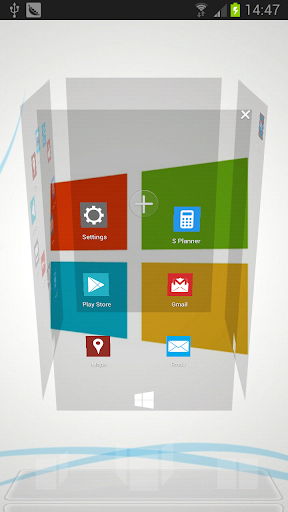
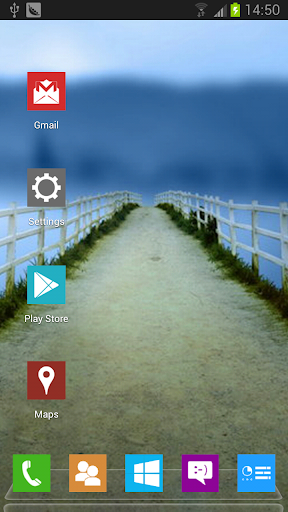
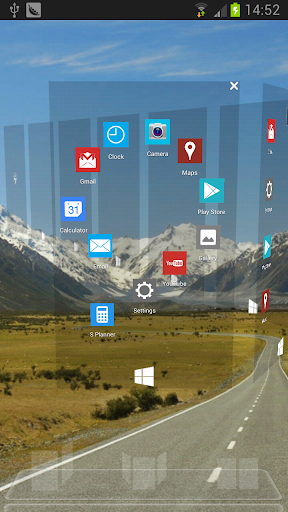
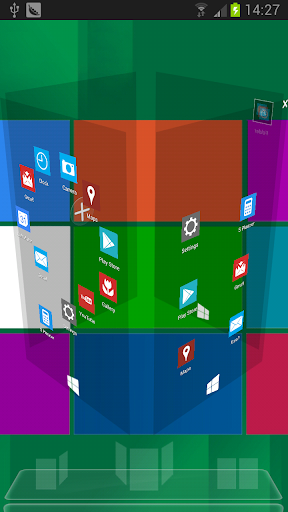
Windows 8 Pro Next Theme, designed by Mr.Tornado, is available now! Get it and have a completely new makeover of your smartphone with android OS at once!
Features:
- - Free for Next Launcher 3D
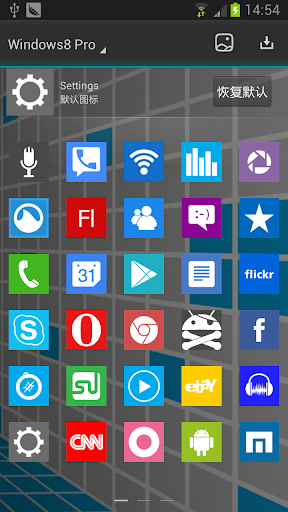
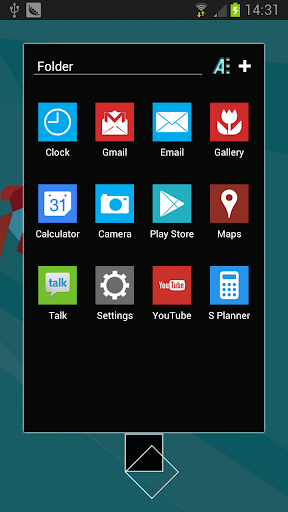
- - 80 special icons, covers the main apps of the phone such as dial, SMS, email and so on
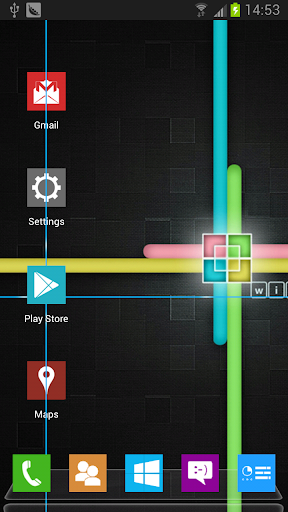
- - 10 HD wallpapers of the topic
- - Show you a integral theme, screen preview and dock are included
- - New folder interface experience
- - Special app drawer skin
Important tips:
- 1. Make sure the latest version V1.15 of Next Launcher 3D has been installed! (Search "Next Launcher 3D" to download)
- .-=[ APPLYING THE THEME ]=-.
- 1) In Next Launcher press the phone menu button;
- 2) Select the PERSONALITY option;
- 3) Click on the THEME icon;
- 4) Select the Installed tab option;
- 5) From the Theme listing select the theme you´ve just download and installed;
- 4) Select APPLY;
APPLYING THE WALLPAPERS
- 1) Press the "Windows8 Pro" icon in the menu of the phone;
- 2) Select the "Set Wallpaper!" option;
- 3) Select desired wallpaper and click Set Wallpaper;
Visit http://apkarchive.com for More Android Apps,Games