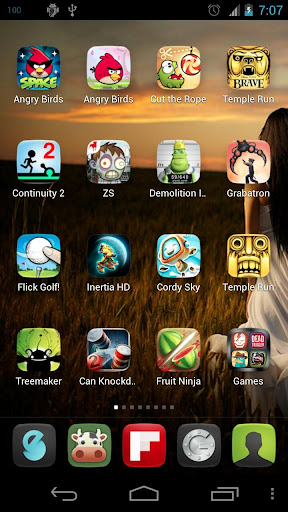
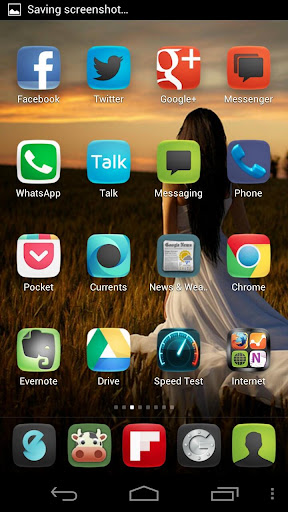
* More than 1300 icons and growing. All in XHDPI form.
* Works with Nova Launcher, Apex Launcher, Go Launcher, ADW Launcher and others.
* Works on Jelly Bean devices too.
* Wallpaper included.
* New Icon request accepted. See notes.
To apply the theme -
* Apex Launcher: Go to Apex settings > Theme settings
* Nova Launcher: Go to Nova Settings > Look and feel > Icon Theme
* Go LauncherEX: On the home screen, press MENU > Themes > Installed
* ADW Launcher: On the home screen, press MENU > More > ADWSettings > Themes Preferences > Select your theme
* Choose the Icons Pack from the list and apply it.
To individually change any app’s icon -
* Nova/Apex: Long press that app icon > Edit > tap the icon > Icon Pack. Select the theme from the list and from there, you can select any icon.
* Go LauncherEX: Long press that app icon > Replace > Select theme from the top left corner dropdown > Select any of the icon.
* ADW Launcher: Individual icon selection currently doesn’t work on ADW for this pack.
See the instructions in the video below.
What’s in this version :
- Apply the theme to Action Launcher from within the theme app. You don’t need to navigate to action settings > Display > icons, anymore.
- 70+ new icons.